
Business Phones & VoIP Handsets — Yealink Authorised Reseller
The full Yealink IP phone range — desk phones, DECT cordless and conference units — supplied as an authorised reseller, pre-configured to your extensions, and installed on-site.
The right IP phone for every desk.
A VoIP system is only as good as the handsets on the desks. PIP supplies the full range of Yealink phones as an authorised reseller — from a single IP phone for a home office to a full fleet across a multi-site business. Every handset connects to PIP’s hosted PBX or any SIP-compatible system, and arrives pre-configured rather than ready to configure. Yealink is one of the most widely deployed IP phone brands in the world; below are the three families PIP fits most often.
T-Series Desk Phones
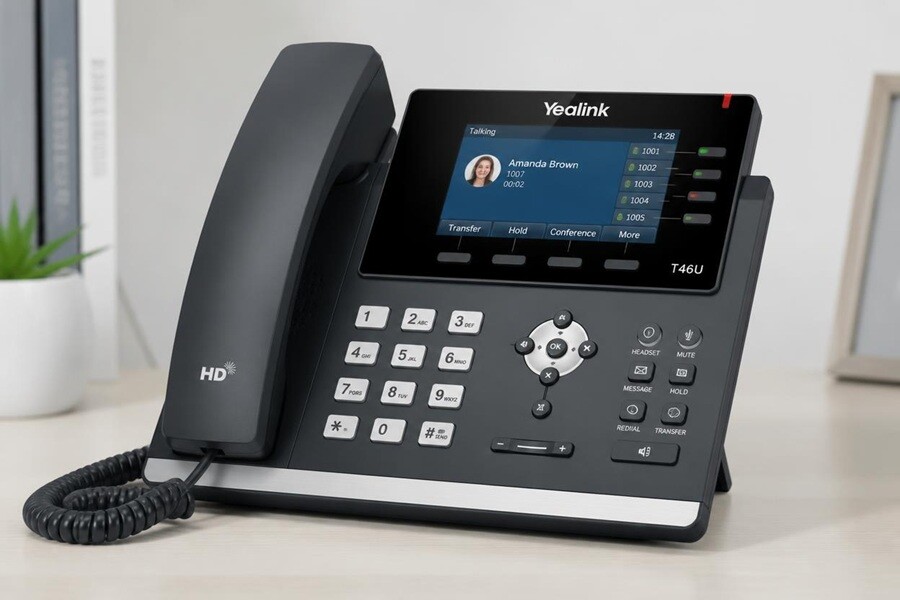
PIP’s core range for office and reception desks — from the entry-level T31 to the premium T54W touchscreen, with colour displays from the T33G up. All support PoE and connect straight to PIP’s hosted PBX.
W-Series DECT Cordless
For staff who move around — warehouses, clinics, reception floors and hospitality. The W56H and W60B handsets pair with a DECT base station for desk-phone features without the cord. Multi-handset systems available.
CP-Series Conference Phones
Purpose-built conference units for meeting rooms. The CP960 and CP965 deliver HD audio, Bluetooth and optional camera integration — replacing the speakerphone workaround with a proper boardroom solution.
Yealink phones are among the most reliable VoIP phones for business on the market — actively maintained firmware, a model for every role, and broad SIP compatibility. PIP configures them to run on its VoIP phone systems and hosted PBX, or over SIP trunking to a system you already own. Whether you need a single VoIP phone handset for a home office or business VoIP phones across several sites, PIP recommends the right models and provisions every one before it arrives.
We see businesses that bought phones online and can’t get them to work with their system, then call us to sort it out. Pre-configuration sounds like a small thing until you’ve watched a staff member reading out codec settings to a VoIP provider mid-shift. We do that part before we arrive.Brad Dixon · PIP
Not a box drop. A working phone on every desk.
Buying IP phones online and configuring them yourself is where the day disappears. PIP supplies, provisions, installs and supports the handsets — so they arrive ready to ring, not ready to set up.
Authorised supply
Genuine Yealink hardware, current production models, valid Australian warranty and full firmware support.
Pre-configuration
Each handset is provisioned to your extension plan at PIP’s workshop before delivery — plug in and ring.
On-site installation
PIP installs every handset, tests every extension and confirms call quality across Greater Sydney.
Staff training
Your team is shown the handset features they’ll actually use — transfer, voicemail, DND, hold.
Ongoing support
Handset faults and additions handled by the same team that runs your PBX and IT — one call, not two vendors.
Authorised supply isn’t a formality.
An authorised reseller ships genuine, current hardware — not grey-market stock routed through a third country with a voided or unhonoured warranty. When a handset fails, a valid Australian warranty means a clear replacement or repair path rather than a dead end.
Firmware advisories and security updates also flow through the authorised channel, so your phones stay current. PIP holds authorised status because PIP deploys this hardware at scale every week and relies on the vendor relationship to support clients properly — the credential is earned by doing the work, not buying a badge.
Three steps to phones on desks.
Tell PIP what you need
Number of handsets, site address, your existing PBX or PIP-hosted system, and any specifics — DECT for the floor, a conference unit for the boardroom, reception keys.
PIP quotes & pre-configures
A quote with model recommendations is provided. Once confirmed, every handset is pre-provisioned to your extension plan before it leaves the workshop.
Delivery & installation
PIP delivers to your Sydney office and installs every handset — extensions tested, call quality confirmed, and staff trained before the team leaves.
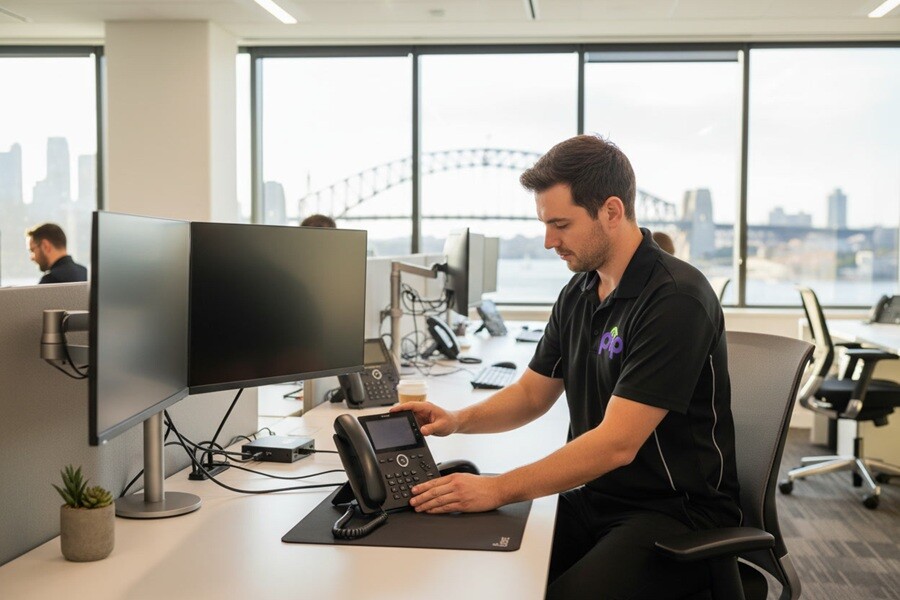
Yealink business phones — supplied, configured, installed.
Tell PIP how many handsets you need and what system they’re connecting to, and you’ll get model recommendations and a quote. The phones that arrive are pre-configured and ready to ring — or run them on PIP’s hosted Cloud PBX.